
Delete Pages From PDF

Unlimited
You can use this Delete Pages From PDF indefinitely and Delete your Pages From Pdf into high-quality PDFs for free.

Fast Conversion
Because of its sophisticated conversion engine, it can convert all of the chosen photographs in a significantly shorter amount of time

Powerful Tool
The online Delete Pages From PDF is simple to use and accessible from any browser on any operating system.

Add Multiple File
This platform makes it simple to convert many Files at once, create a PDF, and save the finished product right away.

Security
After one hours, all of the files you submit will be immediately deleted from our systems.

User Friendly
It doesn’t require technological expertise and is made for all users. It’s easy and quick to convert your Files to a PDF.
How To Delete Pages From PDF ?
1. First of all, Select Your PDF.
2.Write Delete Pages Number.
4.Rename Your Output PDF.
5.Click Delete Pages Button To Download Your PDF.
Delete Pages From PDF – Free Online Tool
If you want to delete pages from PDF online quickly, safely, and without installing any software, the ClickyFyAi Delete Pages From PDF Tool is the perfect solution. This free PDF page remover helps you remove unwanted pages from your document in seconds. Whether you’re a student, office user, or freelancer, this tool makes PDF editing fast, simple, and professional.
ClickyFyAi’s Delete Pages from PDF Online feature is designed to be user-friendly and works on mobile, tablet, and desktop. You don’t need Adobe Acrobat or any complicated software. Just upload your PDF, select the pages you want to delete, and download the updated file instantly.
Why Use ClickyFyAi to Delete Pages from PDF?
✔ Free & online PDF page remover
✔ Fast processing with no watermark
✔ Secure & privacy-protected file handling
✔ Works on Android, iPhone, Windows & Mac
✔ No signup or software required
This tool is ideal for users looking for a PDF editor, PDF page delete service, or PDF splitter and organizer. It is optimized for speed and quality, making it a perfect choice for students, business professionals, and freelancers.
How to Delete Pages from a PDF (Step-By-Step)
1. First of all, Select Your PDF.
2.Write Delete Pages Number.
4.Rename Your Output PDF.
5.Click Delete Pages Button To Download Your PDF.
Conclusion
ClickyFyAi offers the easiest way to delete pages from a PDF online for free. With fast performance and high security, it’s the best online tool to clean, edit, and organize PDF documents.
People Also Ask
What is the “Delete Pages From PDF” tool on ClickyFyAi?
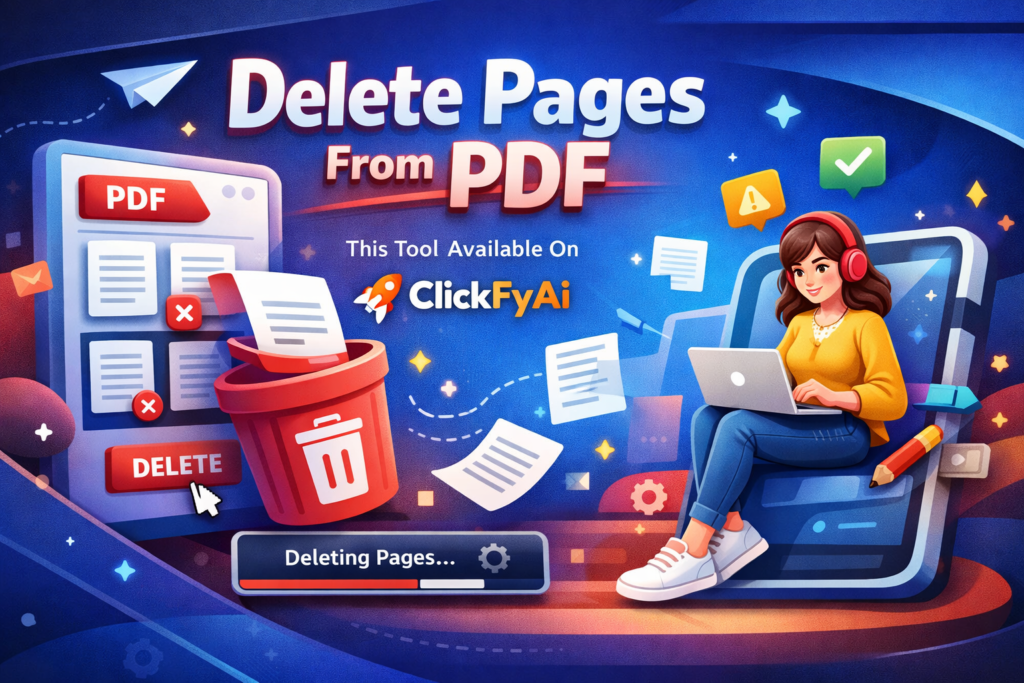
The “Delete Pages From PDF” tool on ClickyFyAi is an online feature that allows you to remove unwanted pages from a PDF file quickly. You can select specific pages, delete multiple pages at once, and download the updated PDF instantly.
Is this tool free to use?
Yes! The tool is completely free to use. There are no charges for deleting pages from your PDF on ClickyFyAi.
Can I delete multiple pages at one time?
Yes, you can delete one page, multiple pages, or a full page range (like 3-7 or 10-15) at once. Just enter the page numbers and apply.
Is my PDF file safe and secure?
Absolutely. Your PDF is processed securely, and ClickyFyAi does not store or share your files. Everything is erased automatically after processing.
Will my PDF quality reduce after deleting pages?
No. The tool maintains the original quality of your PDF. Only the pages you choose are removed; everything else stays the same.