Image Resizer
Image Resizer
Resize image by width & height
Click to upload or drag image
PNG, JPG, JPEG
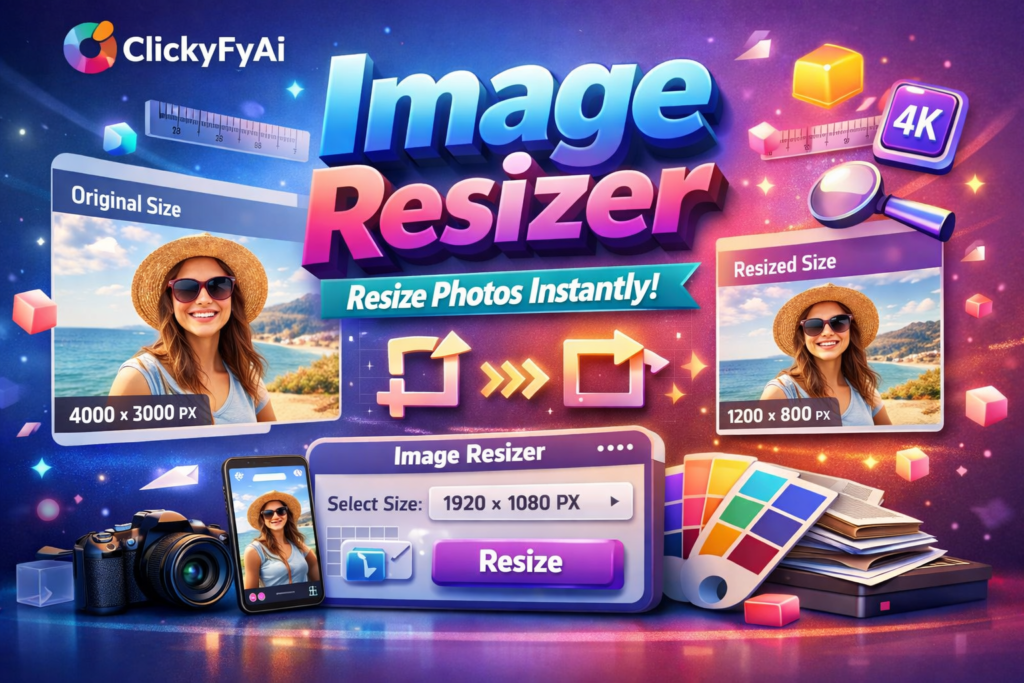
Original Size
Resized Size
Unlimited
You can use Image Resizer On ClickyFyAi With Free, Fast & Instantly.
Fast Conversion
Because of its sophisticated conversion engine, it can convert all of the chosen photographs in a significantly shorter amount of time
Powerful Tool
The online Image Resizer is simple to use and accessible from any browser on any operating system.
Add Multiple File
This platform makes it simple to convert many Files at once, create a PDF, and save the finished product right away.
Security
After one hours, all of the files you submit will be immediately deleted from our systems.
User Friendly
It doesn’t require technological expertise and is made for all users. It’s easy and quick to convert your Files to a PDF.
How To Resize Image?
1. First of all, Select Your Image.
2.Select Your Width And Height.
3.Change Your File Name.
4.Click Download Button To Download Your Image.
Image Resizer Tool – Resize Images Online Without Losing Quality (ClickyFyAi)
If you’re looking for a fast and professional way to resize images online, the Image Resizer Tool by ClickyFyAi is the perfect solution. This free, browser-based tool helps you resize images without losing quality, making it ideal for websites, social media posts, eCommerce product listings, blogs, and digital portfolios. Whether you need to compress a picture, adjust pixel dimensions, or optimize images for web performance, this online image resizer does it all in just a few clicks.
The ClickyFyAi Image Resizer Tool supports JPG, JPEG, PNG, and WebP formats while maintaining sharpness and HD clarity. It’s mobile-friendly, free to use, and does not require installation. This makes it the best choice for students, designers, influencers, freelancers, and business owners who want lightweight images with fast loading speed, helping websites rank higher on Google.
🔥 Key Features
Resize images without losing quality (HD clarity)
Works on PC, mobile & tablet
Best for SEO, blogs, Pinterest, Instagram, eCommerce
Supports JPG, PNG, JPEG, WebP
Fast, secure, no signup required
People Also Ask
What is the Image Resizer tool on ClickyFyAi?
The Image Resizer tool on ClickyFyAi is an online utility that allows you to resize any image to custom dimensions without losing quality. It supports multiple formats like JPG, PNG, WEBP, and JPEG.
How do I resize an image using this tool?
Simply upload your image, enter the width and height you want, and click the resize button. The tool will process your image and let you download the final resized version instantly.
Does the Image Resizer reduce image quality?
No. ClickyFyAi uses smart optimization to maintain original clarity and sharpness. Your image quality remains high even after resizing.
Is my data safe on ClickyFyAi?
Your data is only used to process your request and is not stored or shared with anyone.
Is the ClickyFyAi Image Resizer free to use?
Yes, the tool is free to use. There are no hidden charges or sign-up requirements.