
Passport Size Photo Maker
Passport Size Photo Maker
Create passport-size photos with live preview
Drag & Drop your photo here
Live Preview

Unlimited
You can use Passport Size Photo Maker On ClickyFyAi With Free, Fast & Instantly.

Fast Conversion
Because of its sophisticated conversion engine, it can convert all of the chosen photographs in a significantly shorter amount of time

Powerful Tool
The online Passport Size Photo Maker is simple to use and accessible from any browser on any operating system.

Add Multiple File
This platform makes it simple to convert many Files at once, create a PDF, and save the finished product right away.

Security
After one hours, all of the files you submit will be immediately deleted from our systems.

User Friendly
It doesn’t require technological expertise and is made for all users. It’s easy and quick to convert your Files to a PDF.

How To Create Passport Size Photo?
1. First of all, Select Your Photo.
2.Select Passport Size and Adjust Background
3.Select Photo Format JPG & PNG.
4.Click Download Button To Download Your Photo.
Passport Size Photo Maker – Create Perfect Passport Photos Online
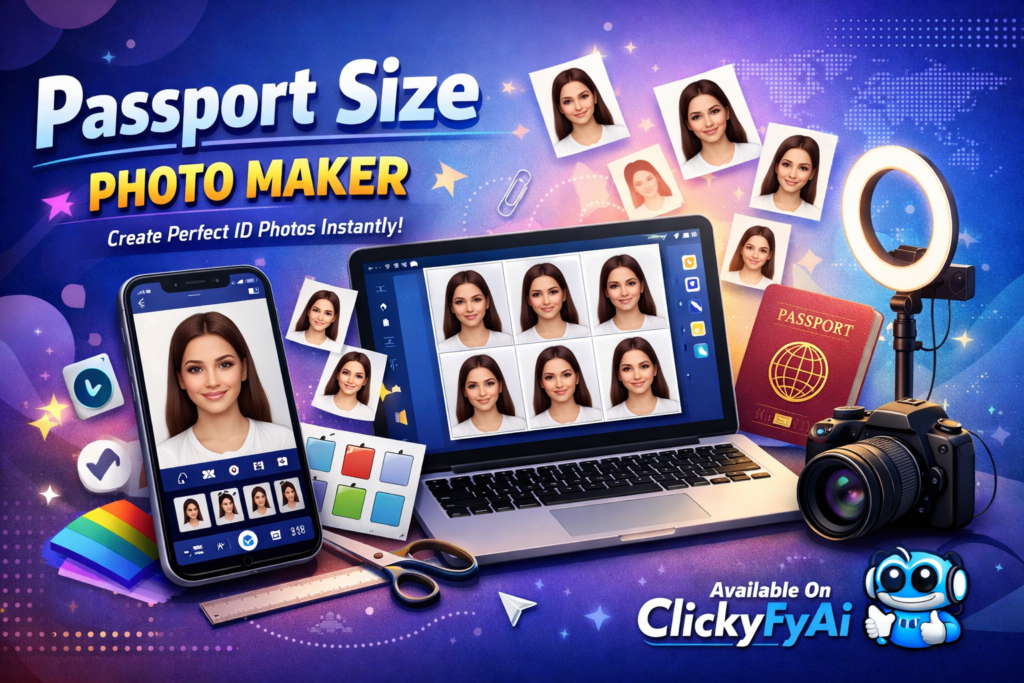
The Passport Size Photo Maker tool on ClickyFyAi is one of the fastest and easiest online editors for creating professional passport photos. Whether you need a passport photo, visa picture, ID card photo, driving licence headshot, or job application image, this tool automatically resizes, crops, and adjusts your picture according to standard passport rules. With AI-based enhancement, background fixer, and automatic face-alignment, it delivers clean, crisp, high-resolution output in seconds.
This online passport photo creator is ideal for users worldwide, especially students, job seekers, and international travelers who need to convert regular photos into passport-size images without visiting a studio. It saves time, money, and effort with its one-click processing and export options.
Why Choose ClickyFyAi Passport Size Photo Maker? (Key Features)
✔ One-click passport size resize (2×2 / 35mm x 45mm / 50mm x 50mm)
✔ Built-in passport photo cropping tool with face alignment grid
✔ Automatic white background generator
✔ HD print-ready JPG & PNG download formats
✔ Perfect for passport, visa, Emirates ID, NICOP, driving licence & job profile
✔ Completely free to use – no sign-up required
This makes ClickyFyAi’s tool a powerful option for users looking for a passport photo maker online, free passport photo editor, or AI passport size picture resizer.
How to Use Passport Size Photo Maker (Step-by-Step)
Upload your image from phone or desktop
AI will auto-adjust crop and align your face
Select dimensions: 2×2 inch, 35×45mm, 50×50mm, or custom size
Remove background or set it to plain white with one click
Download in HD print-ready format
In less than 10 seconds, your passport photo will be ready for printing or online submission.
Conclusion
ClickyFyAi’s Passport Size Photo Maker is the perfect online solution for anyone needing fast, professional, and studio-quality passport photos. With AI editing, accurate dimensions, and instant download options, it ensures your passport and visa applications meet official requirements — without leaving your home.
People Also Ask
What is the Passport Size Photo Maker on ClickyFyAi?
The Passport Size Photo Maker is an online tool on ClickyFyAi that allows users to create passport-size photos instantly. It automatically resizes, crops, and formats your picture according to standard passport photo dimensions.
Is the Passport Size Photo Maker free to use?
The main features are free, and you can download basic passport photos at no cost. Some advanced features like HD download or professional background removal may require premium access.
Is the photo quality good for official use?
Yes, the tool generates high-quality, official-style photos that meet general passport requirements. However, always check your country’s latest guidelines before submitting.
Is my data safe on ClickyFyAi?
Your data is only used to process your request and is not stored or shared with anyone.
Which devices are supported?
The tool works on: Mobile (Android & iPhone) Laptop / PC Tablet No app installation required.