
Reduce PDF Size
Reduce PDF Size
Drop PDF file here or

Unlimited
You can use this Reduce PDF Size indefinitely and Reduce your Pdf File Size.

Fast Conversion
Because of its sophisticated conversion engine, it can convert all of the chosen photographs in a significantly shorter amount of time

Powerful Tool
The online Reduce PDF Size is simple to use and accessible from any browser on any operating system.

Add Multiple File
This platform makes it simple to convert many Files at once, create a PDF, and save the finished product right away.

Security
After one hours, all of the files you submit will be immediately deleted from our systems.

User Friendly
It doesn’t require technological expertise and is made for all users. It’s easy and quick to convert your Files to a PDF.
How To Reduce PDF Size ?
1. First of all, Select Your PDF.
2.Change Your PDF File Name.
3.Select Compression Level.
4.Click Reduce Size Button To Download Your PDF.
Reduce PDF Size Online Free – Best PDF Compressor Tool (ClickyFyAi)
If you want to reduce PDF size online without losing quality, ClickyFyAi offers one of the best solutions in 2025. The Reduce PDF Size Tool on ClickyFyAi helps users compress large PDF files within seconds. It is a fast, secure, and high-quality PDF compressor designed for students, professionals, freelancers, and business users who need small PDF files for email, WhatsApp, job applications, school submissions, or website uploads.
The biggest advantage of this tool is that it maintains the original clarity of your documents while reducing file size. Whether your PDF contains images, forms, scanned files, or digital pages, the compression process stays lossless and clean. The platform is fully web-based, so you don’t need to install any app or software – just upload, compress, and download in one click.
Key Features of Reduce PDF Size Tool (ClickyFyAi)
Free online PDF compressor with no signup
Fast file compression within a few seconds
Works on mobile, laptop, and tablet
Secure & encrypted (your files stay private)
Compatible with scanned PDFs and image-heavy documents
Maintain quality while reducing size 40%-90%
How to Reduce PDF Size Online
1. First of all, Select Your PDF.
2.Change Your PDF File Name.
3.Select Compression Level.
4.Click Reduce Size Button To Download Your PDF.
Why Use ClickyFyAi PDF Compressor?
ClickyFyAi is trending because it offers a high-quality free PDF compressor, supports unlimited usage, and is optimized for SEO, email uploads, government forms, and social sharing.
People Also Ask
What is the Reduce PDF Size tool on ClickyFyAi?
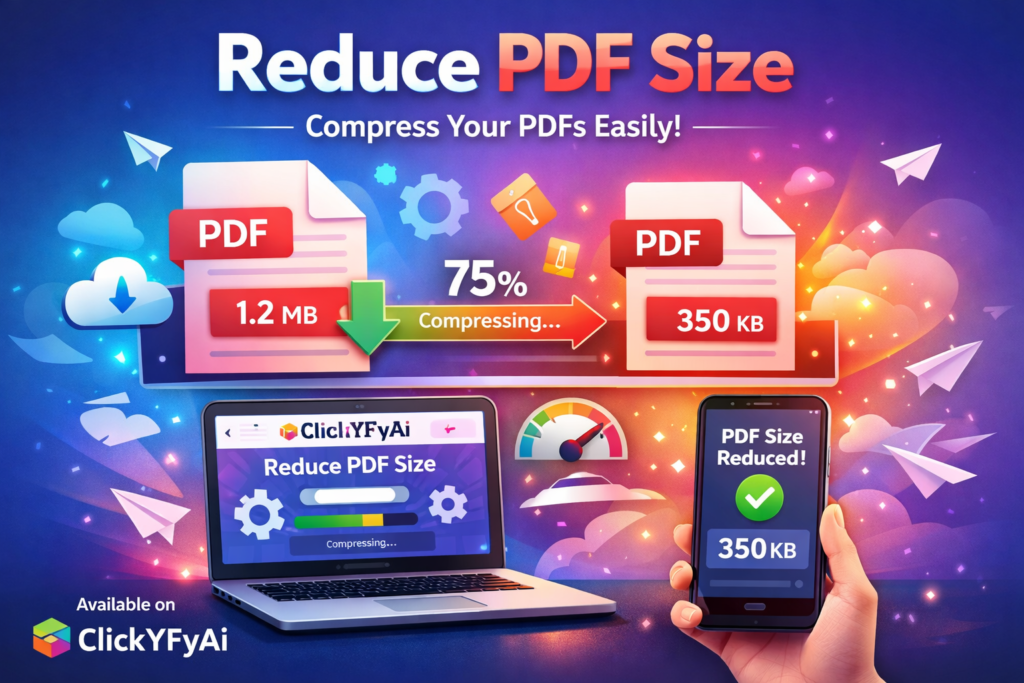
The Reduce PDF Size tool on ClickyFyAi is an online compressor that decreases your PDF file size without losing document quality. It helps make your files easier to upload, share, and email.
How do I reduce my PDF file size?
Simply upload your PDF, select the compression level, and click the compress button. The tool will automatically shrink the file and provide a download link instantly.
Will the quality of my PDF reduce after compression?
No. ClickyFyAi uses smart optimization to reduce file size while maintaining text clarity and image quality, so your document remains readable and clean.
Is my data safe on ClickyFyAi?
Your data is only used to process your request and is not stored or shared with anyone.
Is the ClickyFyAi PDF compressor free to use?
Yes, it is free to use with no installation required. You can compress as many PDF files as you want directly from your browser.