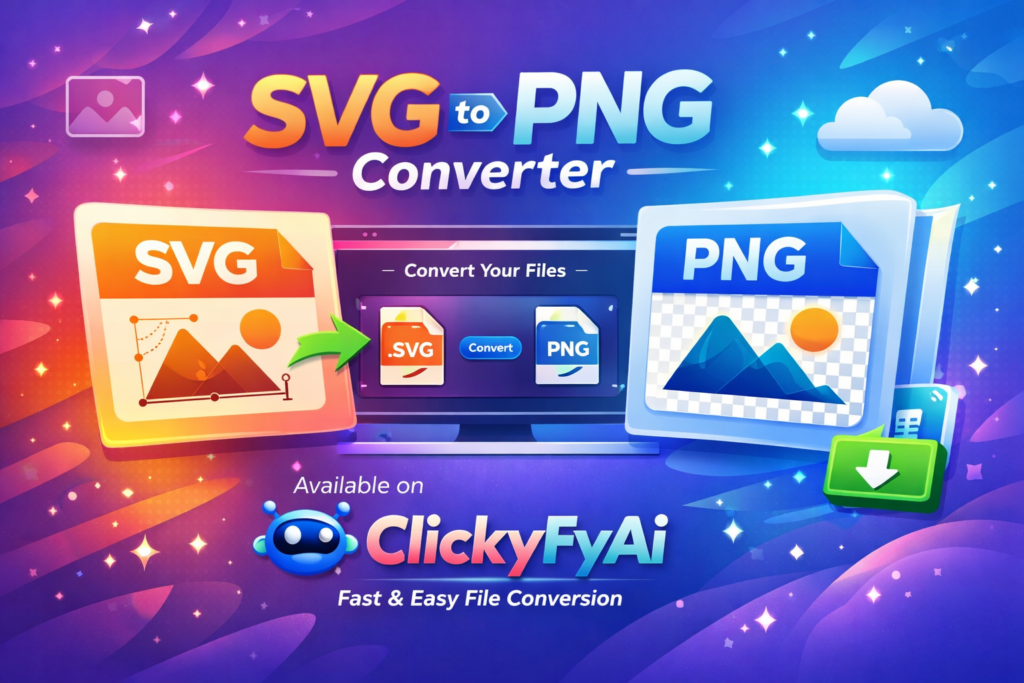
SVG to PNG Converter
SVG to PNG
Drag & drop SVG file or select manually
Drag & Drop SVG file here
Increase scale for higher resolution PNG

Unlimited
You can use SVG to PNG Converter On ClickyFyAi With Free, Fast & Instantly.

Fast Conversion
Because of its sophisticated conversion engine, it can convert all of the chosen photographs in a significantly shorter amount of time

Powerful Tool
The online SVG to PNG Converter is simple to use and accessible from any browser on any operating system.

Add Multiple File
This platform makes it simple to convert many Files at once, create a PDF, and save the finished product right away.

Security
After one hours, all of the files you submit will be immediately deleted from our systems.

User Friendly
It doesn’t require technological expertise and is made for all users. It’s easy and quick to convert your Files to a PDF.
How To Convert SVG To PNG?
1. First of all, Select Your File.
2.Adjust Output Scale.
3.Change Your File Name.
4.Click Convert To PNG Button To Download Your Image.
SVG to PNG Converter – Fast, Free & High-Quality Tool on ClickyFyAi
If you are looking for a fast, secure, and high-resolution SVG to PNG converter, then ClickyFyAi is the perfect solution. This online tool helps users convert SVG vector graphics into PNG images with just one click. It supports transparent backgrounds, HD export, large image sizes, and pixel-perfect quality designed for designers, web developers, marketers, and everyday users.
In today’s digital world, PNG format is widely used for websites, e-commerce, social media, blog banners, product designs, and branding. That’s why a reliable online SVG to PNG Converter is essential to maintain clarity, speed, and professional-level image quality.
⭐ Why Use ClickyFyAi SVG to PNG Converter?
Free and easy to use – no signup required
Instant file conversion within seconds
Retains original transparent background
Supports all browsers & devices (Desktop + Mobile)
High-resolution PNG output for professional use
Secure file handling with auto-delete system
📍 Top Features of SVG to PNG Converter (ClickyFyAi)
1️⃣ High-Resolution PNG Output
The tool ensures ultra-sharp and clean PNG images, perfect for logos, graphics, website icons, UI elements, and marketing designs.
2️⃣ Works Directly on Browser
No installation, No software, No sign-up. Just upload ➝ convert ➝ download.
3️⃣ Transparent Background Support
Ideal for design purposes like branding, product graphics, and website headers.
4️⃣ Unlimited Conversions
Convert as many files as you want without daily limits.
5️⃣ SEO-Friendly File Rendering
Helpful for bloggers, digital marketers, and businesses that need optimized PNG images.
🏆 Who Should Use This Tool?
| User Type | Benefit |
|---|---|
| Designers | Logo, UI, icon export |
| Website Owners | SEO-ready PNG for speed & clarity |
| Developers | Assets for apps & websites |
| Students / Casual users | Quick editing & conversions |
| Business Owners | Brand graphics & marketing creatives |
🧩 How to Convert SVG to PNG (Step-by-Step)
1. First of all, Select Your File.
2.Adjust Output Scale.
3.Change Your File Name.
4.Click Convert To PNG Button To Download Your Image.
It’s that simple — no technical skills needed.
Final Words
The SVG to PNG Converter by ClickyFyAi is a powerful and beginner-friendly tool that delivers fast, accurate, and professional results. Whether you need icons for apps, graphics for websites, or PNG images for branding, this converter provides premium quality with zero cost.
👉 Try it today and boost your productivity:
ClickyFyAi
People Also Ask
What is the SVG to PNG Converter on ClickyFyAi?
The SVG to PNG Converter is an online tool on ClickyFyAi that instantly converts SVG vector images into high-quality PNG files without losing clarity or transparency.
Is this tool free to use?
Yes, the converter is completely free to use. There are no sign-ups, subscriptions, or hidden fees required.
How do I convert an SVG file to PNG?
Simply upload your SVG file, select the desired resolution (if needed), and click “Convert”. Your PNG will be ready for download within seconds.
Is my data safe on ClickyFyAi?
Your data is only used to process your request and is not stored or shared with anyone.
Is there any quality loss after conversion?
No. The tool converts SVG to PNG in high resolution to maintain professional-quality output suitable for printing, websites, and digital designs.